

Person-to-Person (P2P) Payments
Send money easily
Person-to-Person payments let you transfer funds directly from your Park View account using just a phone number or email.
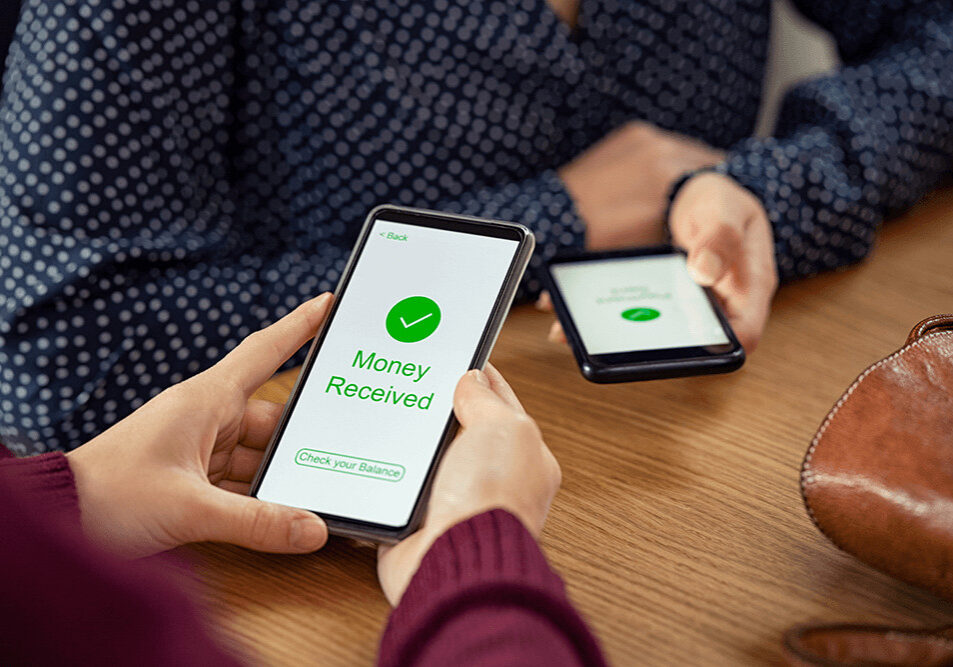
Managing your finances and sending money has never been more straightforward. Embrace the speed, efficiency, and security of P2P payments!
Getting Started
Steps to your first transfer
Everything happens inside your Park View online or mobile banking account.
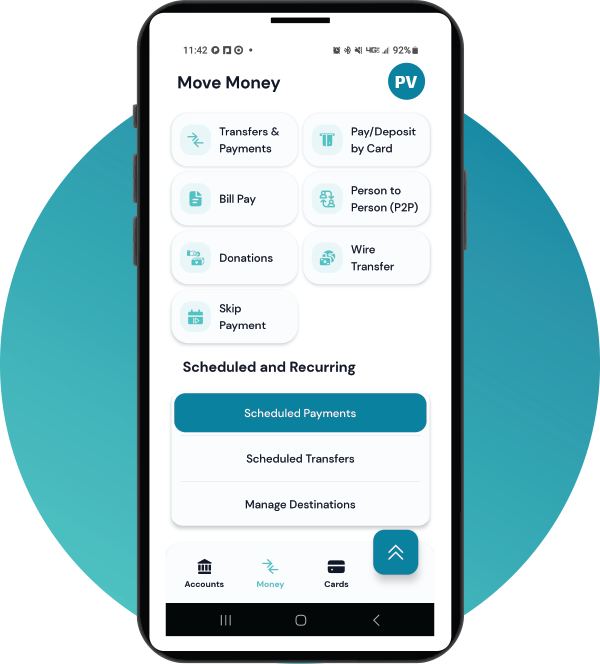
How to Get Started with Person-to-Person (P2P):
- Log in to Your Online Banking Account: Navigate to the "Move Money" section to kickstart your P2P journey.
- Select Person-to-Person (P2P): Locate and click on 'Move Money," then select "Person-to-Person."
- Choose the Default Funding Account: Set your default funding account for quick and easy transactions.
- Payment Alerts: Personalize your alert preferences. Receive notifications for successful payments, reminders, and other relevant updates.
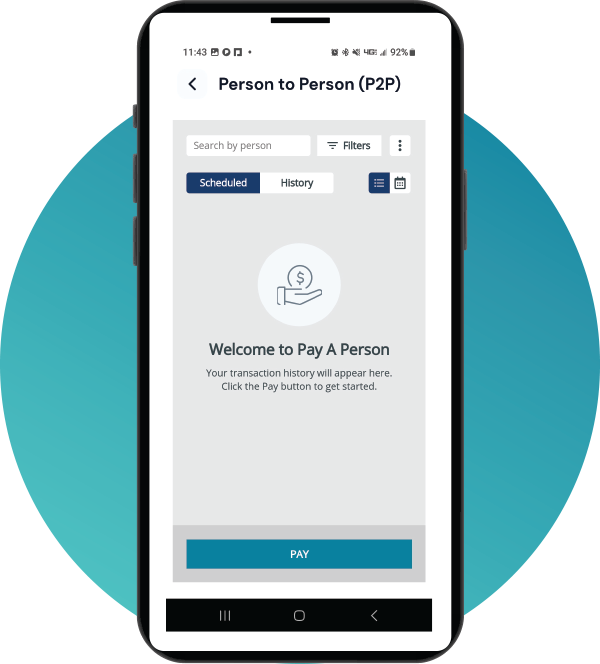
Person-to-Person (P2P): Adding Contacts
- Manage Contacts: Add a new contact effortlessly by entering their first name, last name, mobile number, and email.
- Specify Payment Delivery: Tailor how you want the payment to be delivered to your contact, whether through mobile or email. Save the contact information for future transactions.
Frequently Asked Questions
Helpful Answers About P2P Payments
Everything you need to know about P2P payments.

Download the Park View App
It’s like your credit union’s right there with you, wherever you go.
New to online banking? Enroll in your account now.


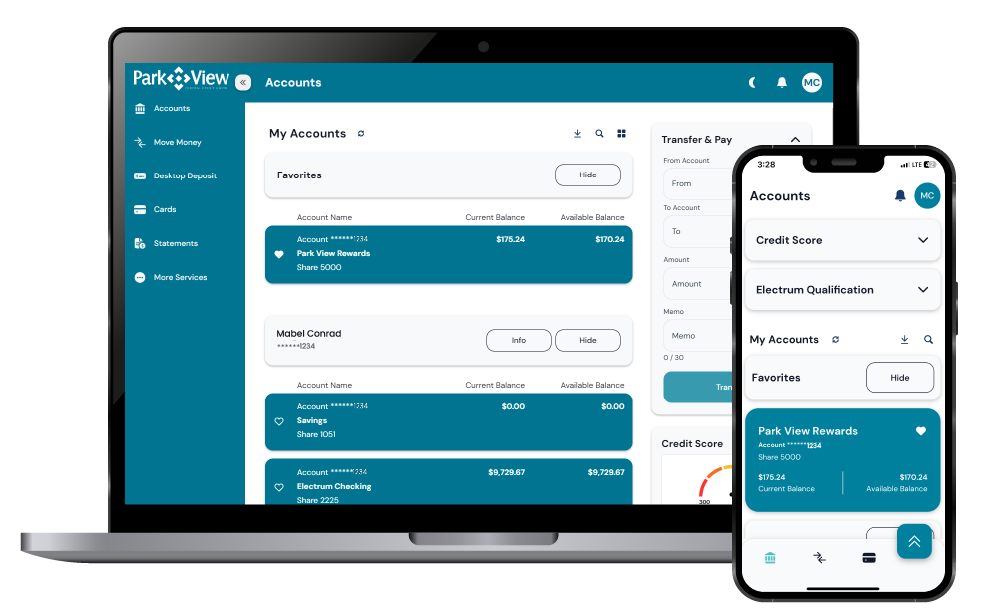
Online and Mobile Banking
Conveniently check your balances, make a transfer, pay bills, access your statements and more.