

Telephone Teller
Meet Sammy — Your Telephone Teller at Park View
Managing your finances over the phone is easier than ever with Sammy, Park View’s Telephone Teller. This automated system lets you quickly complete routine banking tasks like checking balances, transferring funds, and reviewing transactions.

Get Started
How to Use Telephone Teller
First time calling? Here's what you'll need to get started:
- Account Number: If you're the primary owner, enter your account number. If you're a joint owner, enter your full Social Security number.
- PIN: Use the last four digits of your Social Security number. Then, you'll be guided to create your own four-digit PIN.
Tips for a Smooth Experience:
Avoid using speakerphone so the system can hear you clearly.
Your account suffix numbers can be found on your account statement. If you need help, feel free to contact us for assistance
Follow voice prompts or refer to the menu below as a guide.

Options/Prompts
Use your keypad or voice — press a number, say a number, or speak a command.
Check a Specific Account Balance | press or say 1 |
Transfer Funds | press or say 2 |
Hear Recent Transactions | press or say 3 |
Speak with a Team Member | press or say 4 |
Hear All Account Balances | press or say 5 |
More Ways to Manage Your Money
Do Even More with Online and Mobile Banking
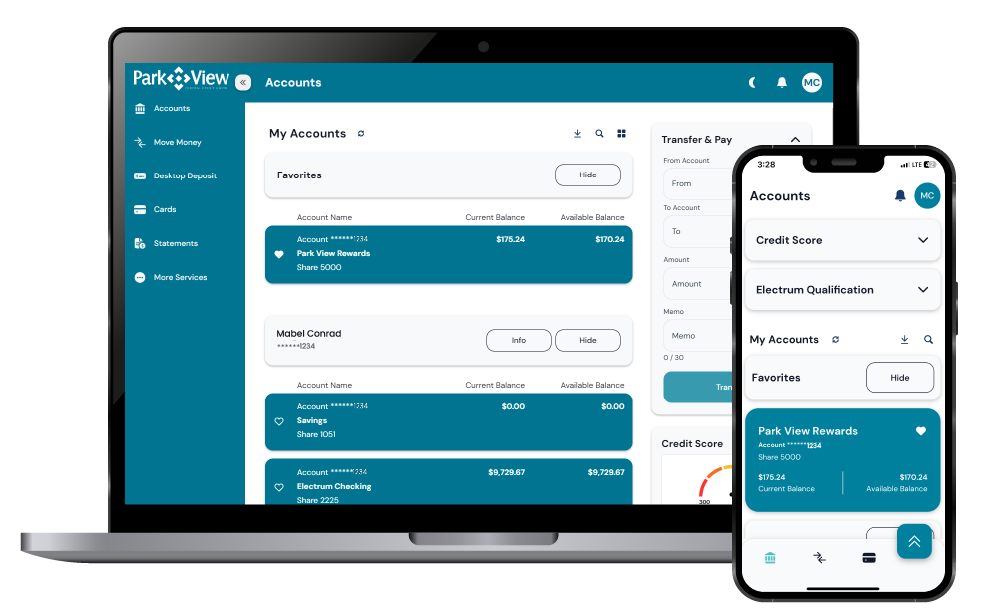
While Audio Teller is here for your convenience, our digital tools offer expanded features like mobile check deposit, bill pay, account transfers, and more—all at your fingertips. Explore the ease and flexibility of managing your finances anytime, anywhere!
Still Have Questions?
Everything you need to know about Park View's telephone teller.