
Check Your Bank Balance Instantly with Quick Balance—No Login Needed
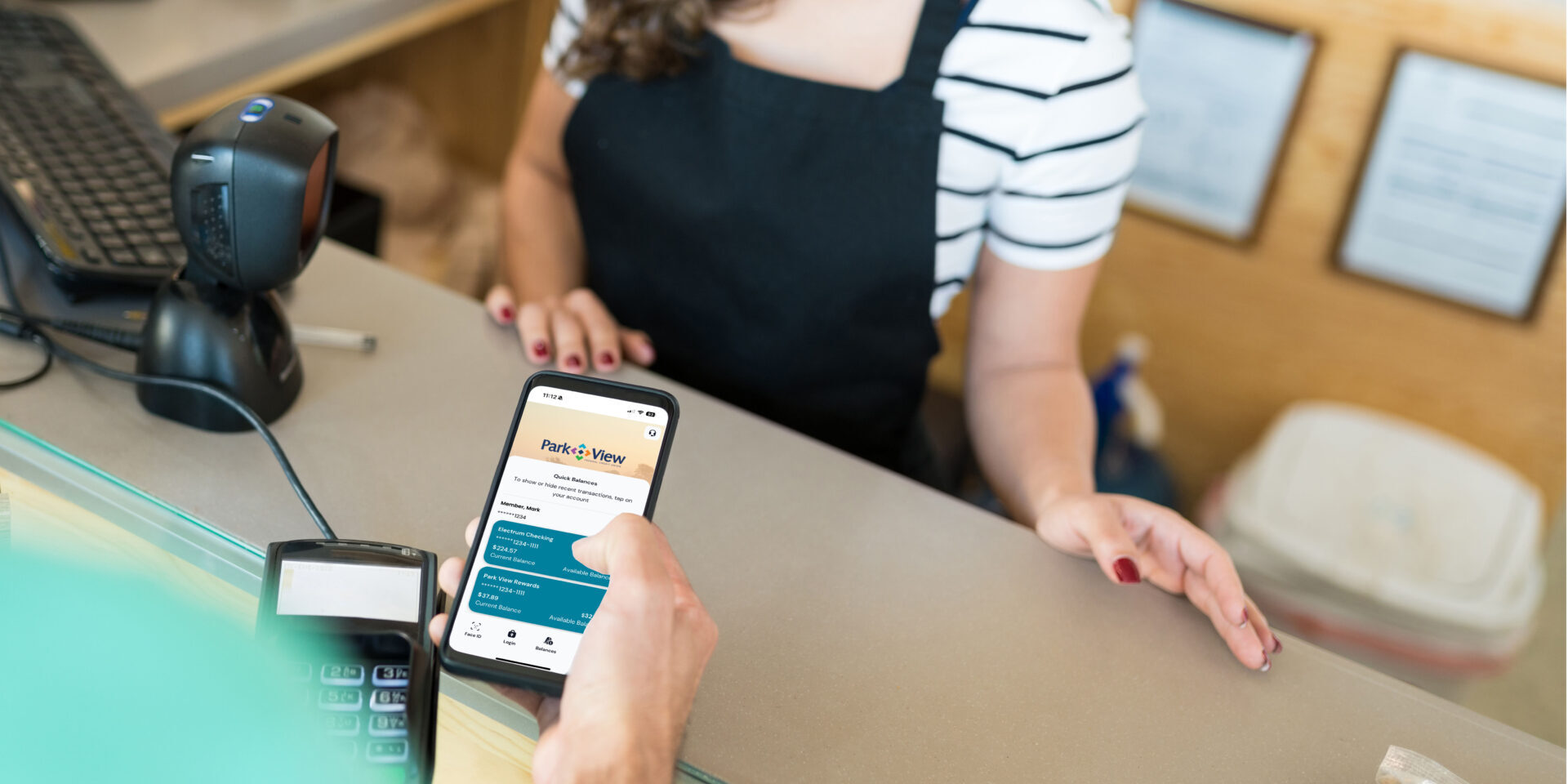
Life moves fast. Whether you’re grabbing coffee on the go, making a quick decision at the store, or planning your weekend, every second counts. Shouldn’t your banking keep up?
With Quick Balance in the Park View mobile app, you can check your account balance in a flash—no login required. This simple yet powerful feature gives you instant access to your finances, so you can make smarter decisions wherever life takes you.
What Is Quick Balance?
Quick Balance allows you to view your selected account balances directly on the Park View app’s home screen—no full login required. With just a tap, you can see your balances and recent transactions without entering your credentials.
For tasks like transferring funds, paying bills, or viewing detailed transactions, a full login is still required. But for quick financial awareness, this feature streamlines one of the most common banking tasks, saving you time and effort every day.
How to Enable Quick Balance
Getting started is quick, easy, and secure. Here’s how to set it up:
- Open the Park View mobile app and log in.
- Tap your initials in the top-right corner.
- Select Settings from the menu.
- Choose Mobile Features.
- Tap Quick Balance.
- Select which account balances you want to see.
- Click Save.
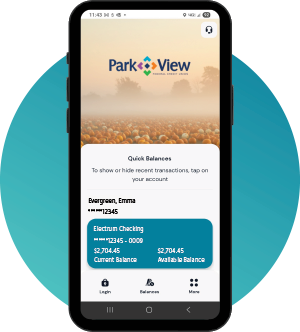
That’s it! Now, each time you open the app, your selected balances will be visible before the login screen.
Is Quick Balance Secure?
Absolutely. At Park View, your security is our top priority. The Quick Balance feature is designed to show only limited information, like your selected balances and possibly the last few digits of your account number. No full account numbers or personal details are displayed.
Additionally, no money can be moved, and no changes can be made from the Quick Balance view. The feature is tied to your specific device and protected by your phone’s security settings, such as PIN, fingerprint, or Face ID. You can also disable Quick Balance at any time by following the same steps to turn it on.
Everyday Scenarios: Quick Balance in Action
Here’s how Quick Balance can simplify your day:
At the Checkout Line
You're about to check out at the grocery store and want to be sure there's enough in your account. Instead of logging in, simply open the Park View app and glance at your balance—no hold-ups, no hassle.
Making Weekend Plans
Headed out with friends or planning a trip? Quickly check your available funds before you commit, helping you stick to your budget with confidence.
Curbing Impulse Buys
See something you want to buy? A quick look lets you know if it's in your budget, helping you make wise decisions in the moment.
Morning Check-Ins
Start your day with a fast financial overview. In just seconds, see if your paycheck has been deposited or check balances after bills are paid.
Why Quick Balance Makes a Difference
Quick Balance isn't just about speed; it's about empowering you to stay connected with your finances. By making it easier to check your accounts, you're more likely to stay mindful of your spending and saving habits, which can strengthen your overall financial health.
It’s just one of the many ways Park View is committed to delivering a mobile banking experience that puts you first.
Try Quick Balance Today
Convenience and security go hand in hand with Park View. Ready to take control of your finances with ease? Enable Quick Balance in your Park View mobile app today.
Just tap your initials, go to Settings > Mobile Features > Quick Balance, and switch it on. Manage your money quickly, securely, and confidently.

Download the Park View App
It’s like your credit union’s right there with you, wherever you go.
New to online banking? Enroll in your account now.


Disclosures
1Message and data rates may apply from your wireless carrier.
Share This
You May Also Like

Why Naming a Beneficiary on Your Account Is Important

Park View Federal Credit Union Earns National Recognition for Adult Financial Literacy Outreach